Check the seller account
Use the eBay seller account and marketplace region you intend to manage. Sign out of a different eBay account first if the browser keeps choosing it. Never share your seller password with Meldsy.
Approve access on eBay
- In Meldsy, open Settings → Connections.
- Select eBay, review the access summary, and choose Connect eBay.
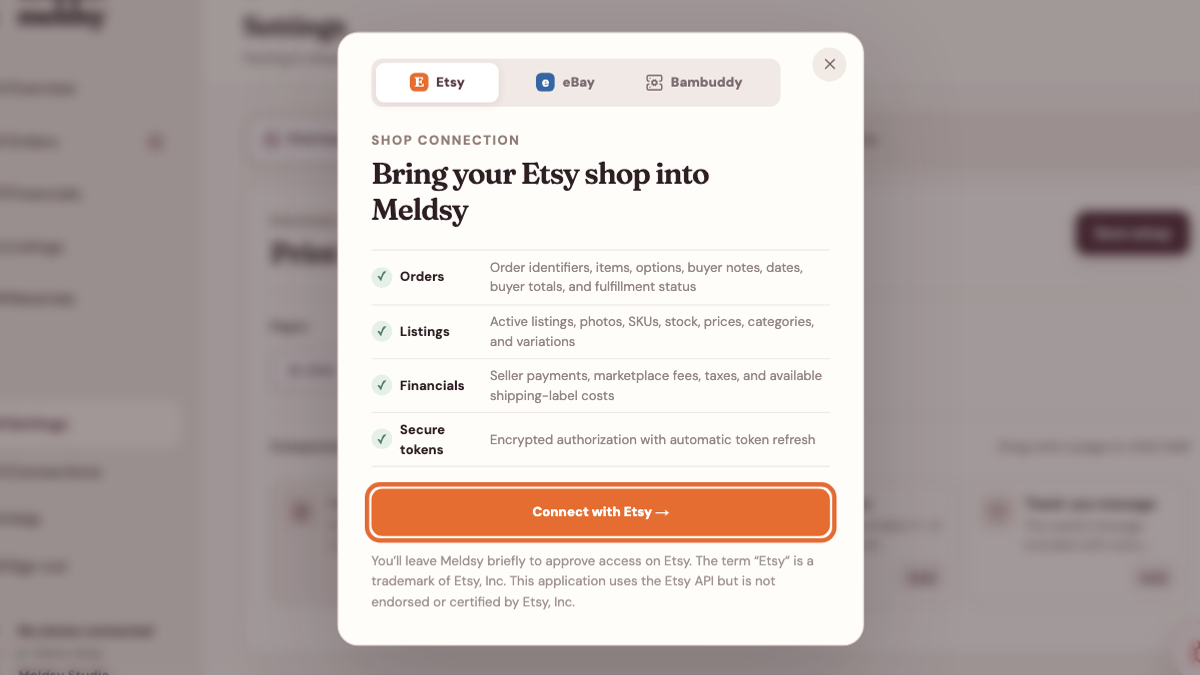
Select eBay; the next authorization happens on eBay, not in a Meldsy password form. - Sign in on eBay, check the seller identity, and approve the requested access.
- Return to Meldsy and allow the first listing and order import to finish.
Choose which listings to use
Discovered and future listings are included automatically on a new connection. Review Listing selection and save any exclusions. Existing selections are kept when you reconnect.
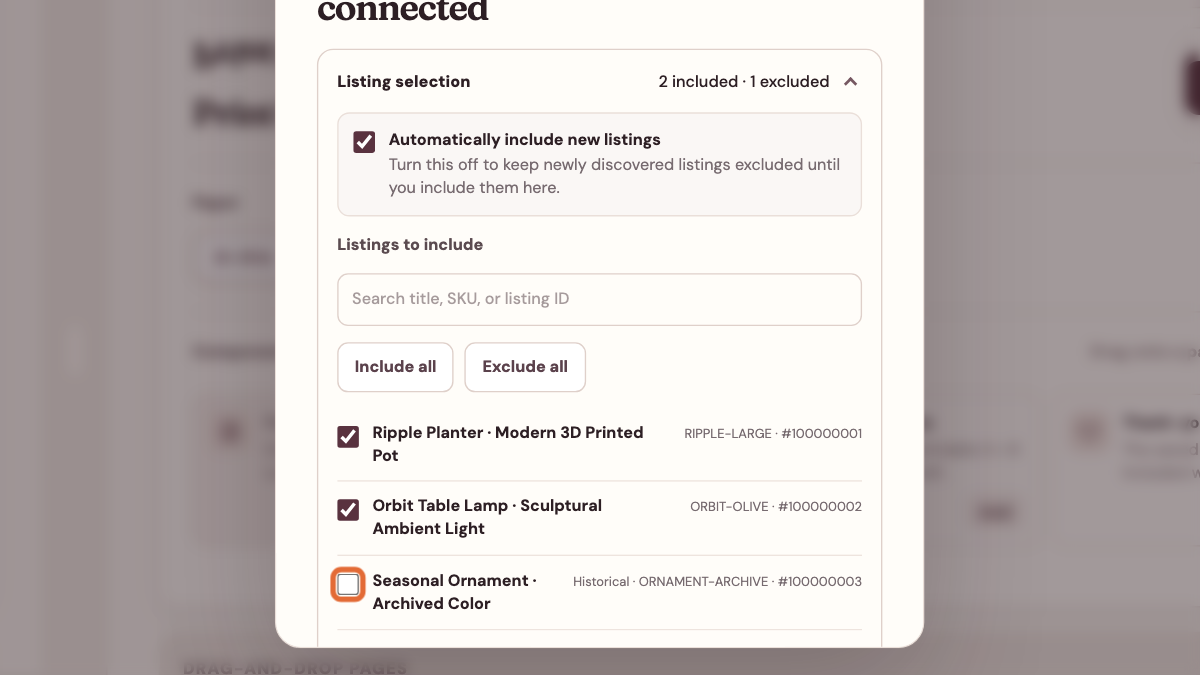
Verify orders, permissions, and labels
- Open an imported order and check its item, variation, shipping information, and deadline when supplied.
- Use Reconnect on the existing store if eBay asks for additional access; do not disconnect first.
- Some financial details depend on the access eBay grants. Missing settled earnings are not a zero-cost sale.
- Install Label Bridge separately if you want label PDFs returned to Meldsy’s print bundle.